Manual
You confirm each order.
Signals arrive with entry, stop and targets ready. Review the plan and send it to your exchange with your confirmation.
Crypto trade plans with entry, stop and targets. Manual or optional Auto.
Apply for access. Once approved, choose your plan and connect your exchange.






WickTide finds the setup, plans the trade and sends it to your exchange. You confirm it, or let Auto take it.
Features
Signal detail
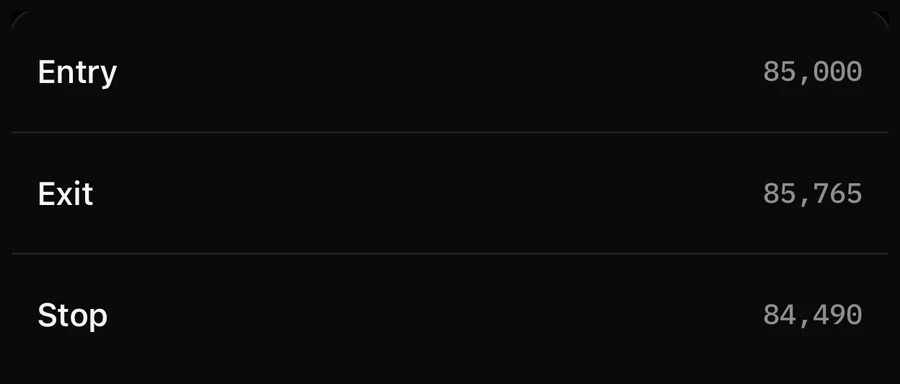
Each signal ships with a full plan: where to enter, where the idea is wrong and where to take profit, with size and leverage spelled out.
Scanner
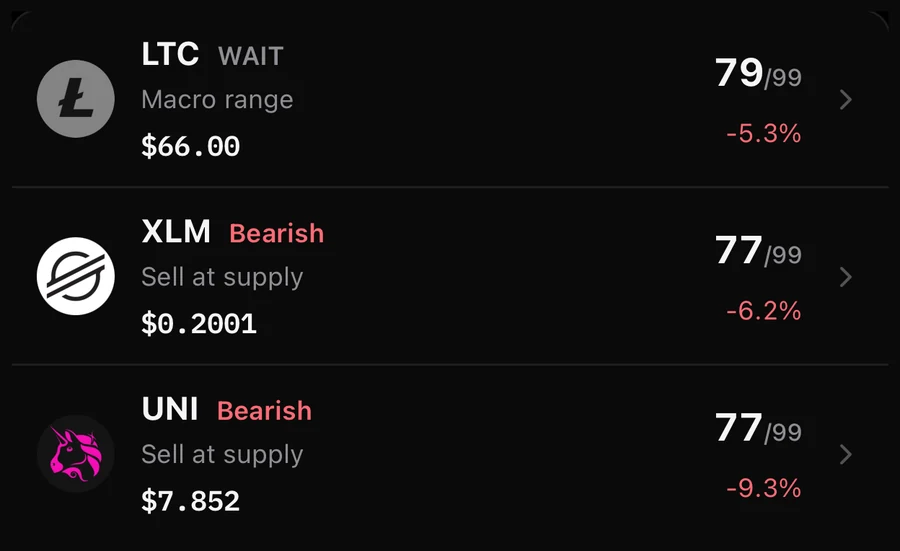
Compare eligible, liquid markets by setup strength, trend and context. Coverage and refresh times depend on available market data.
Ask WickTide
Why is BTC bullish? What is the best setup right now? Get clear answers built on live market context.

Journal
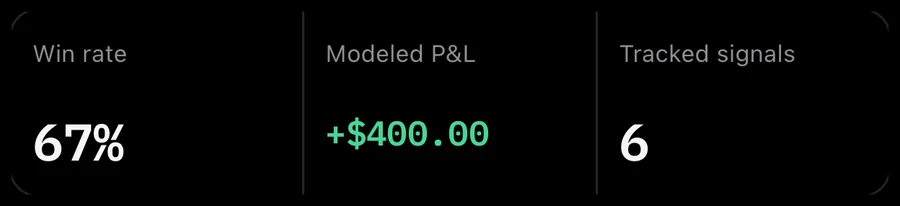
Win rate, P&L and closed trades update on their own. Review what worked without a spreadsheet.
Macro calendar
The US releases that move crypto, ranked by impact, so you know when to wait and when to act.

Liquidations
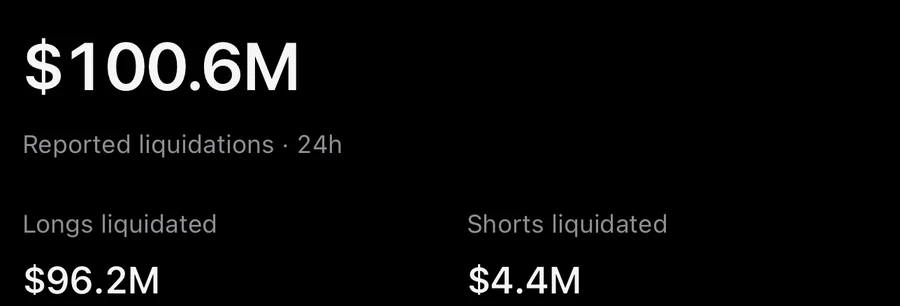
Longs and shorts liquidated across major exchanges, with the source and coverage on screen.
Execution
Connect your exchange with an API key and choose who places the order.
Manual
Signals arrive with entry, stop and targets ready. Review the plan and send it to your exchange with your confirmation.
Auto
Manual and optional Auto on supported markets. Runner availability varies by exchange.
Partial exits and trailing stops are currently limited to owner-enabled Bitunix scalp accounts. Runner support for the other connected exchanges is being implemented and verified before activation.
Execution controls
MEXC · read-only beta
Risk controls can limit new entries, but stops and daily limits cannot guarantee a maximum loss. Gaps, slippage and exchange outages can increase losses.
Web + iPhone
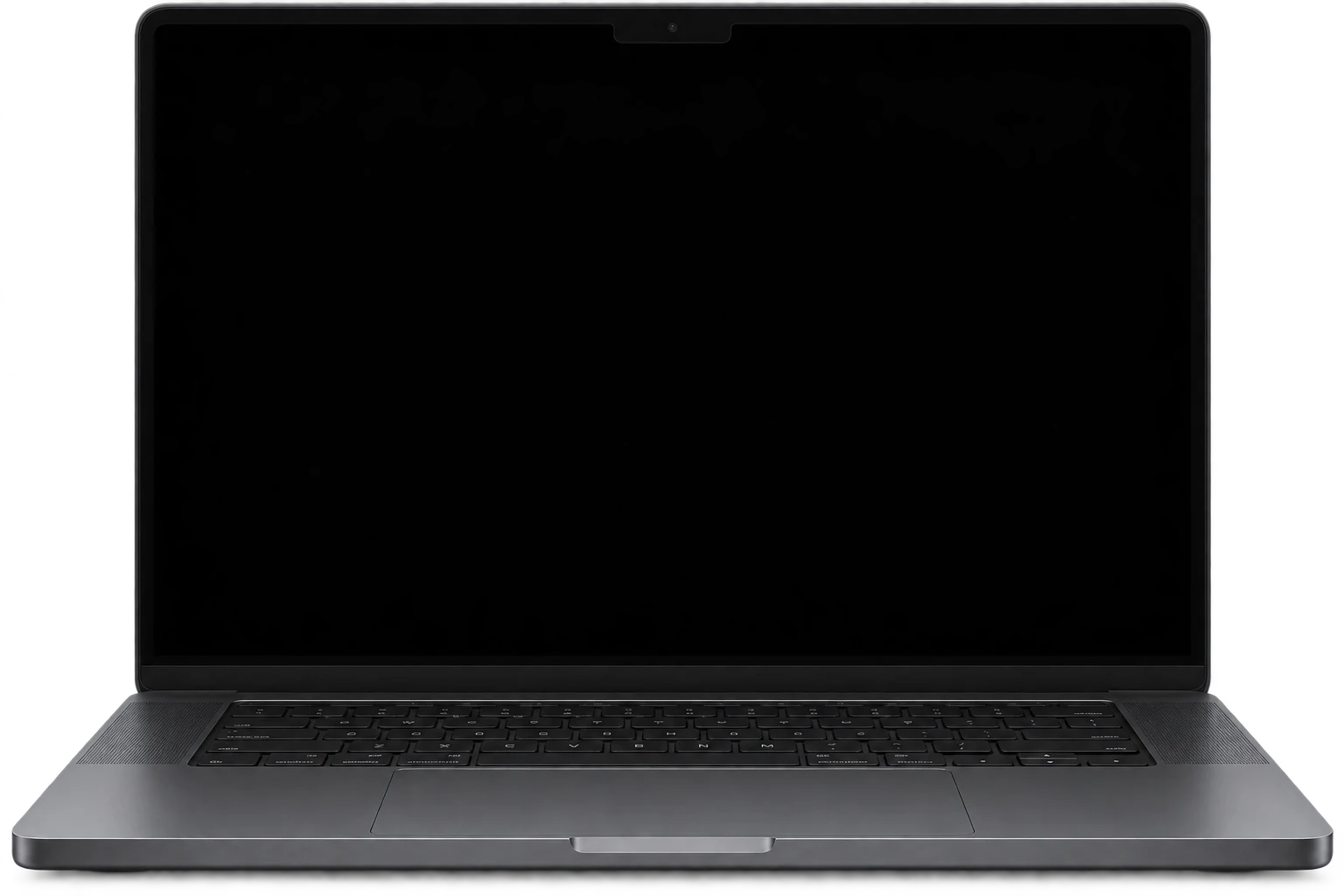
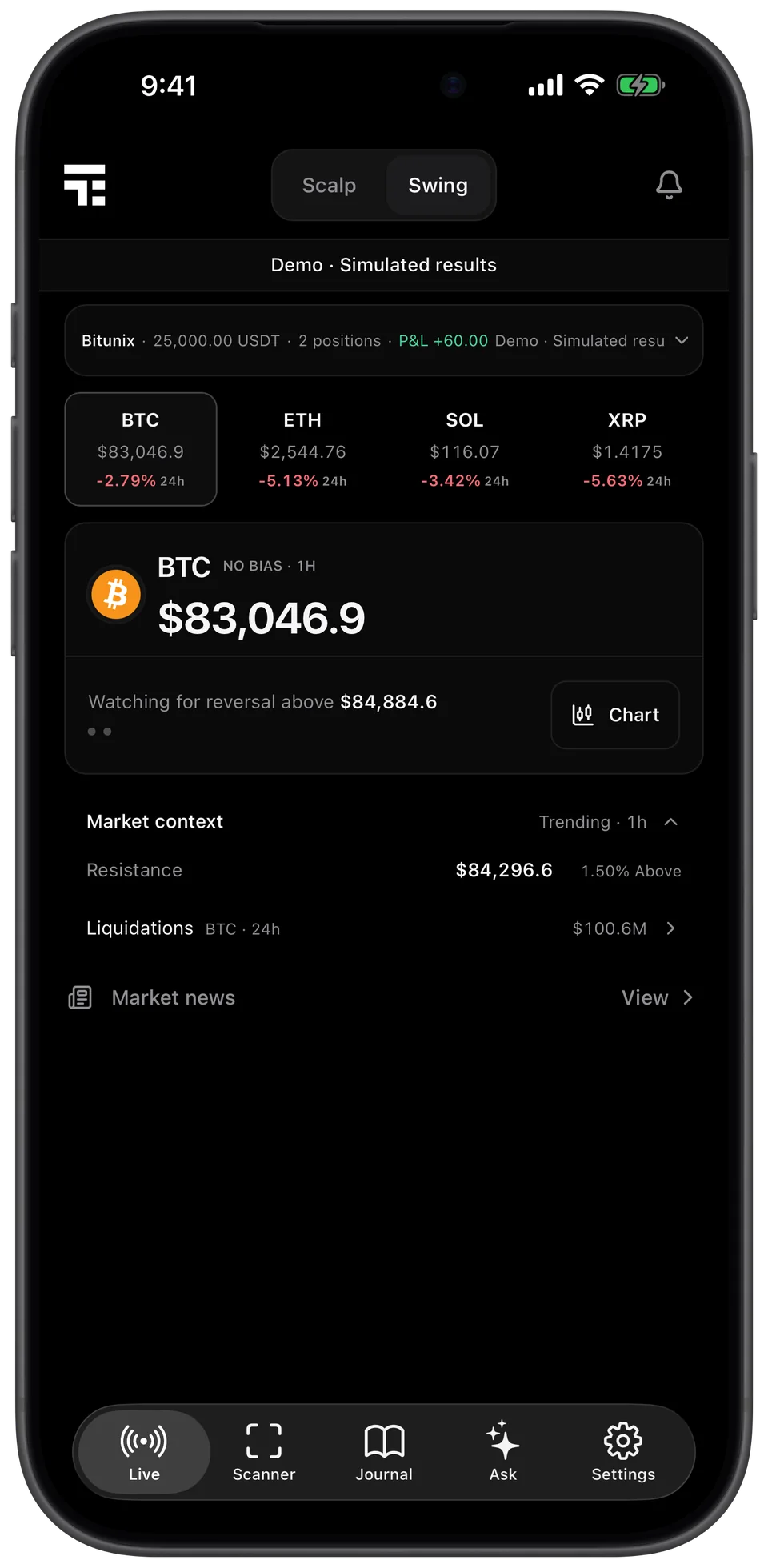
Plan on a big screen, act from anywhere. Your signals, journal and settings stay in sync.
Web app
iPhone app
Track record
Current playbook · simulated · last 90 days. Legacy versions and incomplete outcomes are excluded.
Simulated signal outcomes measured in R (multiples of the risk per trade), before costs. Not exchange earnings and not a guarantee of future results. Drawdown is the largest peak-to-trough fall in the combined results of all closed signals, not a single trade.
Live from the public record · Last 90 days
Early sample · too few outcomes to establish a reliable long-term edge.
Pricing
Web app and iPhone app, every feature, one subscription.
$99/ month999/ year
That's $83.25 a month, billed yearly.
Price in USD. Taxes may apply.
FAQ
WickTide is a crypto trading signal platform. It scans the top 200 coins in real time, publishes signals with an entry, stop loss and targets, and can execute them on your exchange in Manual or Auto mode. Every result is recorded in your journal. It works in the browser and on iPhone.
Yes, if you choose to. Connect your exchange with an API key and pick an execution mode: Manual, where you confirm each order, or Auto, where trades run automatically within your limits for position size, open positions and daily loss. You can also start in paper mode with no live funds.
WickTide is a signal platform with an optional Auto mode. In Manual mode you confirm every order. In Auto mode, qualified signals are opened and managed automatically within the limits you set. You choose the exchange, the size and the risk.
No. Your funds stay on your own exchange account. WickTide connects through an API key you create, and we recommend keeping withdrawal permission turned off on that key.
WickTide connects to Binance, Bybit, Bitunix, Coinbase and WEEX and can send signals straight to your account. You can also follow the signals by hand on any other exchange.
Bitcoin, Ethereum, Solana, XRP and the most liquid coins in the top 200 by market cap.
Scalp uses 1 to 15 minute charts with tight stops for short trades. Swing uses 1 hour to daily charts with wider stops and larger targets. You can switch between them at any time.
Yes. One account works on app.tradeecho.io and in the iPhone app, and your journal and settings stay in sync.
Not a native one yet. The web app at app.tradeecho.io works in any browser on Android, Mac, Windows and Linux. The native app is available for iPhone.
WickTide is a subscription: 99 USD per month or 999 USD per year (save 16%). Both include the web app, the iPhone app and every feature.
Yes. Paper mode lets you follow signals and even run Auto mode with no live funds, so you can see how it trades before connecting real money.
Every closed signal is recorded automatically on the public track record. Past performance does not guarantee future results, and screenshots on this page show a demo account with simulated figures.
No. WickTide provides algorithmic market observations. Crypto and leveraged trading carry a high risk of loss, so define your risk before every trade.
Start on the web today and take WickTide with you on iPhone.